
Smart TV App sign in and app unlock
App
Connect unlocks:an
BeforeLG, weSamsung, beginAndroid I'llTV, tryor Google TV television to explainBlackbeard’s somethingVault.
Before you willstart
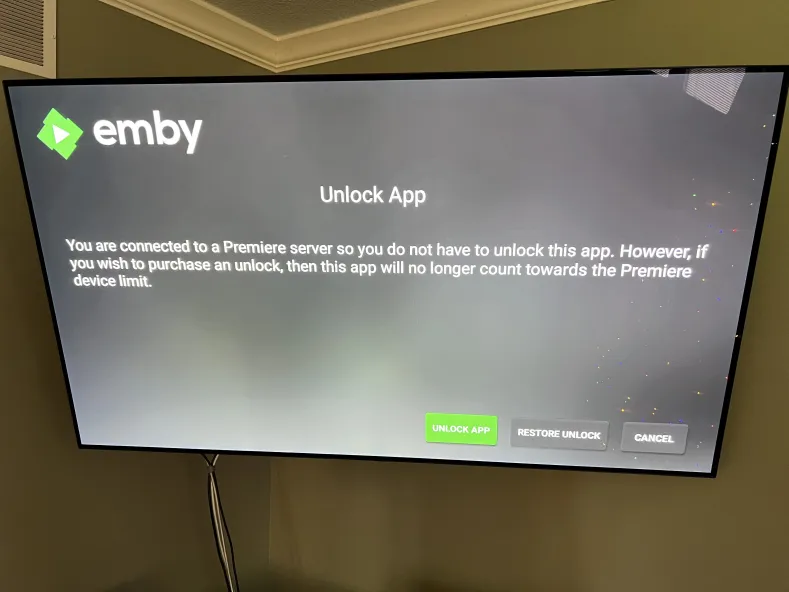
Do NOT purchase Emby Premiere.
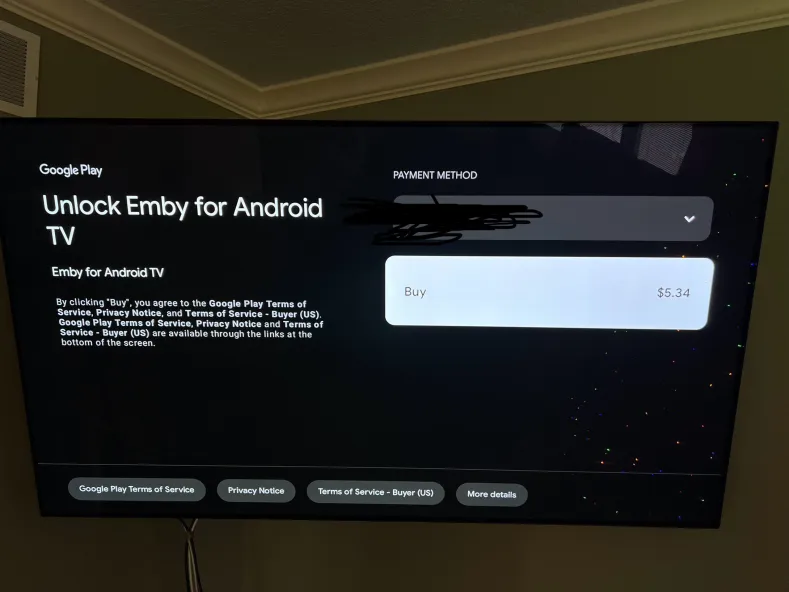
The app unlockusername and Embypassword Premiere are separate things. Emby Premiere is something I buy for the server. You only need to purchase the one time $5 fee to unlock the app you're trying to watch on.
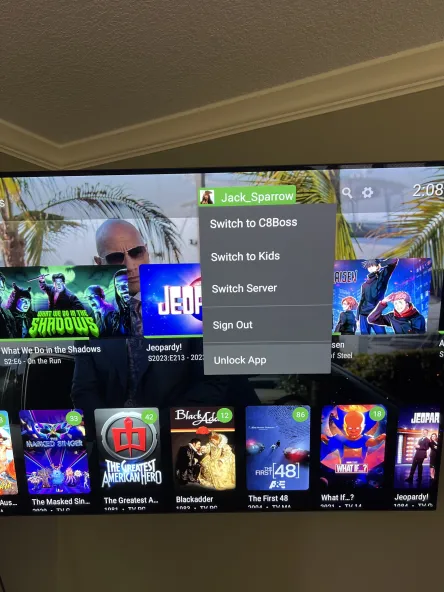
This app unlock fee doesn't go to me. It goes to the Emby development team. After purchasing the unlock, it will be unlocked for that 'platform' on any device that uses that app store account. So be sure that if you have multiple android or apple devices, you sign into the Google Play or Apple App store with the same account that purchased the unlock to avoid having to pay for it more than once.
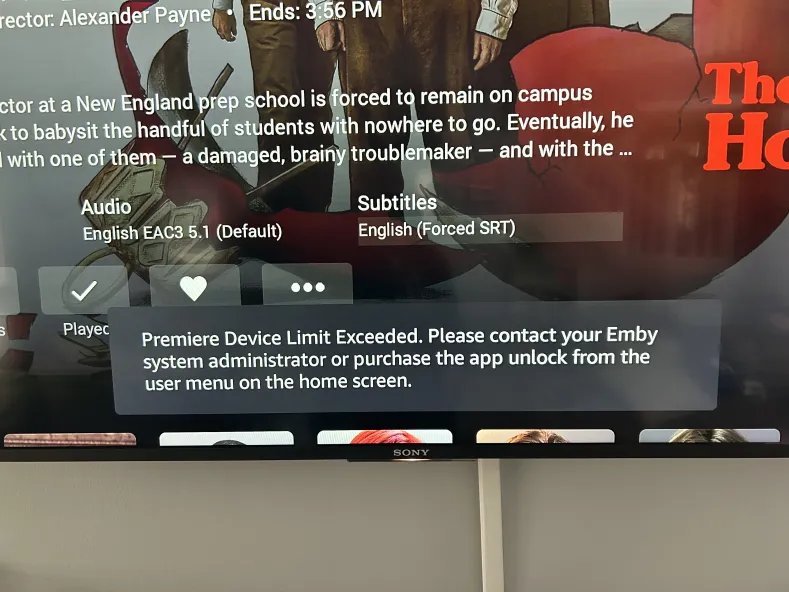
Your unlock experience will be different depending on the device you are watching from, but all the apps are similar to the pictures below
Signing into Emby:
To download the app for your device. If you do not know where to find your app visit the "Where to Download" guide here: https://guides.blackbeardsvault.com/books/app-setup-guides/page/where-to-download
After the app is installed you will see a screen similar to this. Click the "Skip" button on this page.
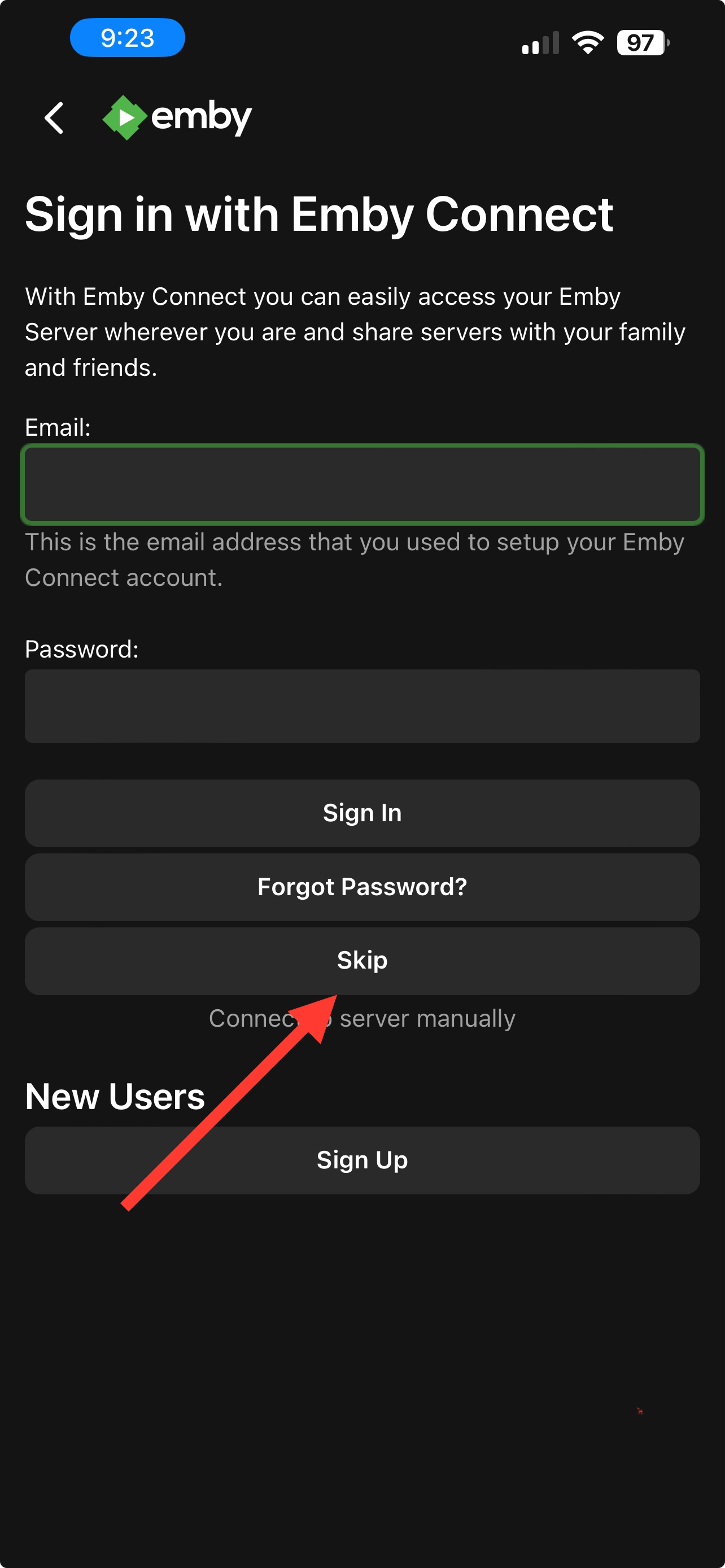
You will need to enter the server address in the "Host" section. Enter the server address exactly like this: https://blackbeardsvault.com
Do NOT forget the "s" in https, and do not add a trailing "/" to the end of the server address. This will prevent you from signing in if you do.
Leave the "Port" section blank.
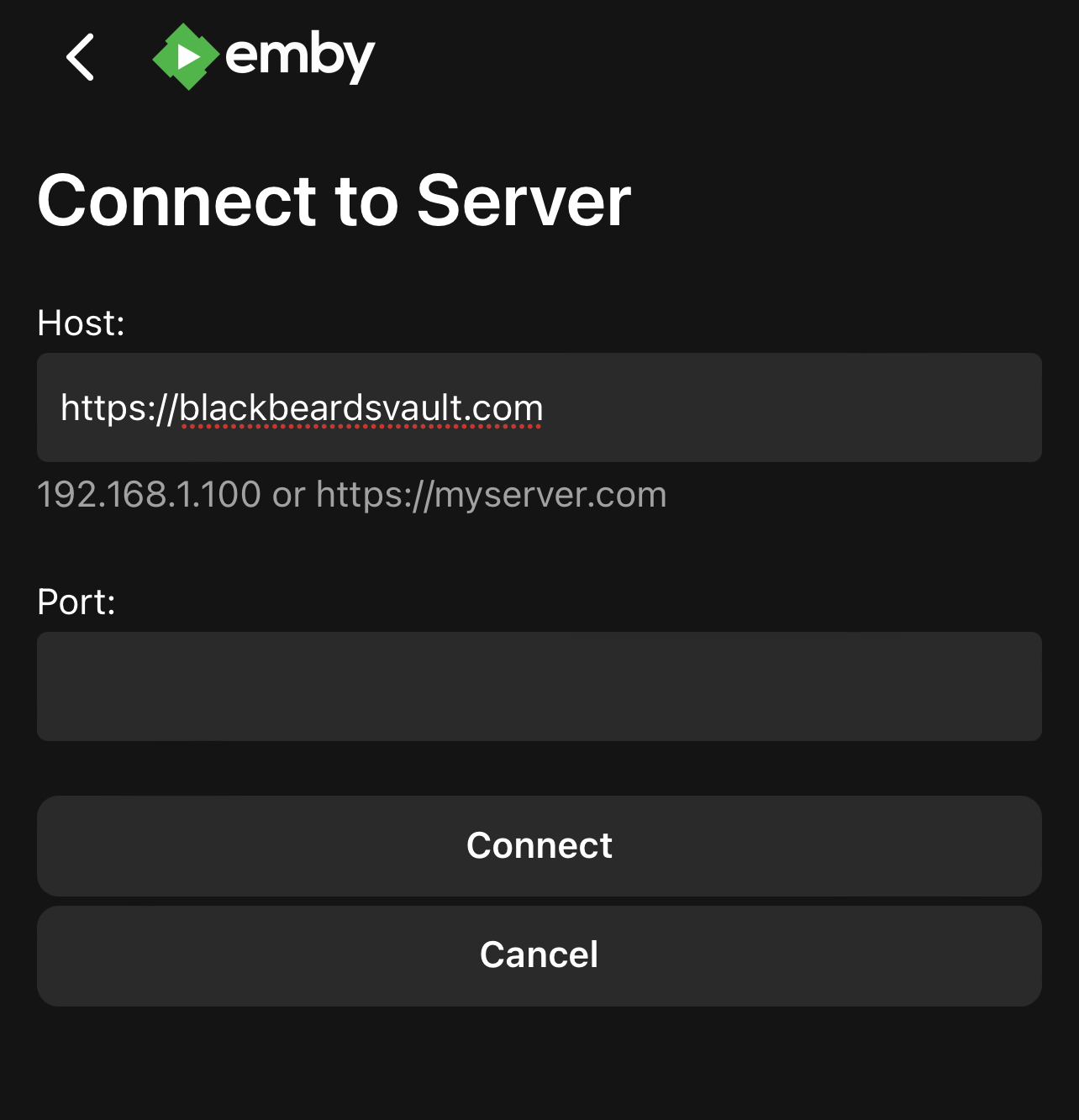
After entering the server address, you'll be taken to the sign in page.
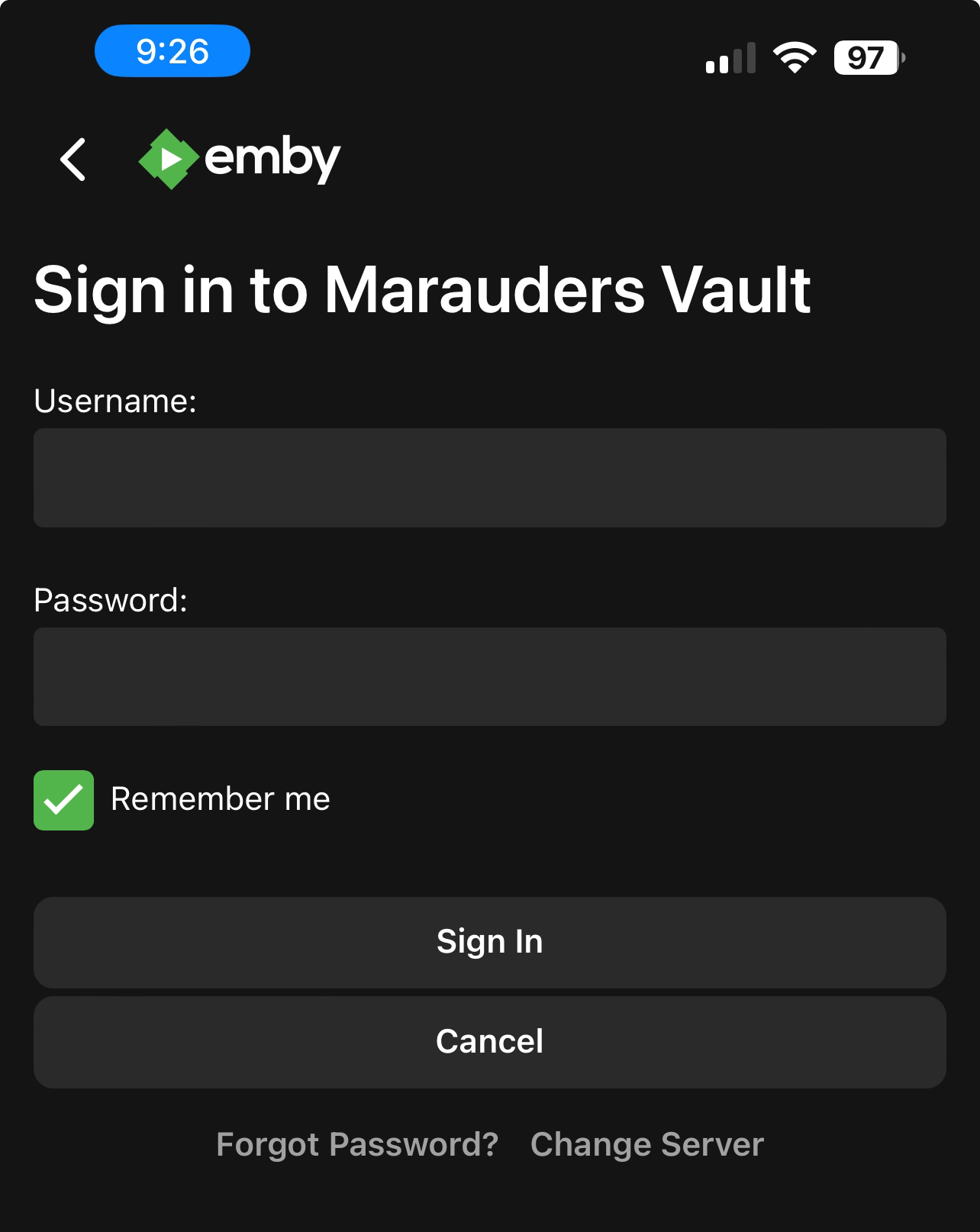
The Username and Password fields use your credentials you receivedsupplied after signing up on Discord. IfDiscord. you've forgottenUse your password or cannot log in, double check you are using the correct Username andusername, not your email.
Install Emby
Availability depends on TV model and region. For a Roku TV, follow Roku App Sign-In; for Fire TV, use the Fire TV guide.
Connect and sign in
https://blackbeardsvault.com. Keep https:// and add no extra port or path.
If the app shows a separate Port field, leave it blank, then choose Connect or Connect to Server.
Choose Manual Login if offered. Enter the Username and Password supplied on Discord, then select Sign In.
Expected result: the home screen shows your available libraries. Play a short part of a title to check the setup.
IfEmby you'reConnect is optional and uses a separately linked Connect account. Your supplied server username and password belong on the server sign-in screen.
Playback access
TV playback rules differ by platform. LG, Samsung, Roku, and Apple TV have free full playback in Emby’s current feature matrix. Android TV / Google TV and Fire TV have a server-wide free-device allowance; a license-limit message is not proof that a trial expired.
Need an unlock, or seeing “Premiere Device Limit Exceeded”? Contact @Captain Cruv in #emby-support for a Jellyfin account. Do not buy an app unlock or Emby Premiere. Once Cruv has provided your account, follow Getting Started with Jellyfin.
Troubleshooting
https://blackbeardsvault.com exactly and try the web client.
Sign-in rejected: check your username and password for extra spaces. Use the server login, not Emby Connect. Ask for account help if it still Contact @Captain Cruv in the #emby-support channel on Discord. Include your device, app version, exact error, and when it happened. Never post your password.
References
Emby playback and Premiere requirements · Emby Connect explained
Technical guidance reviewed September 2026. Store availability and interface labels can change.