
Web Client Sign-In
Sign in to Blackbeard’s Vault from a computer, phone, or tablet using a current web browser.
Before you start
- Have the username and password supplied after signing up on Discord. Use your username, not your email.
- Connect your device to the internet.
Sign in
- Open https://blackbeardsvault.com.
- If a profile list appears, choose Manual Login. Enter your Discord-issued Username and Password.
- Use Remember me only on your own device, then select Sign In.
Expected result: your Emby home screen shows the libraries available to your account.
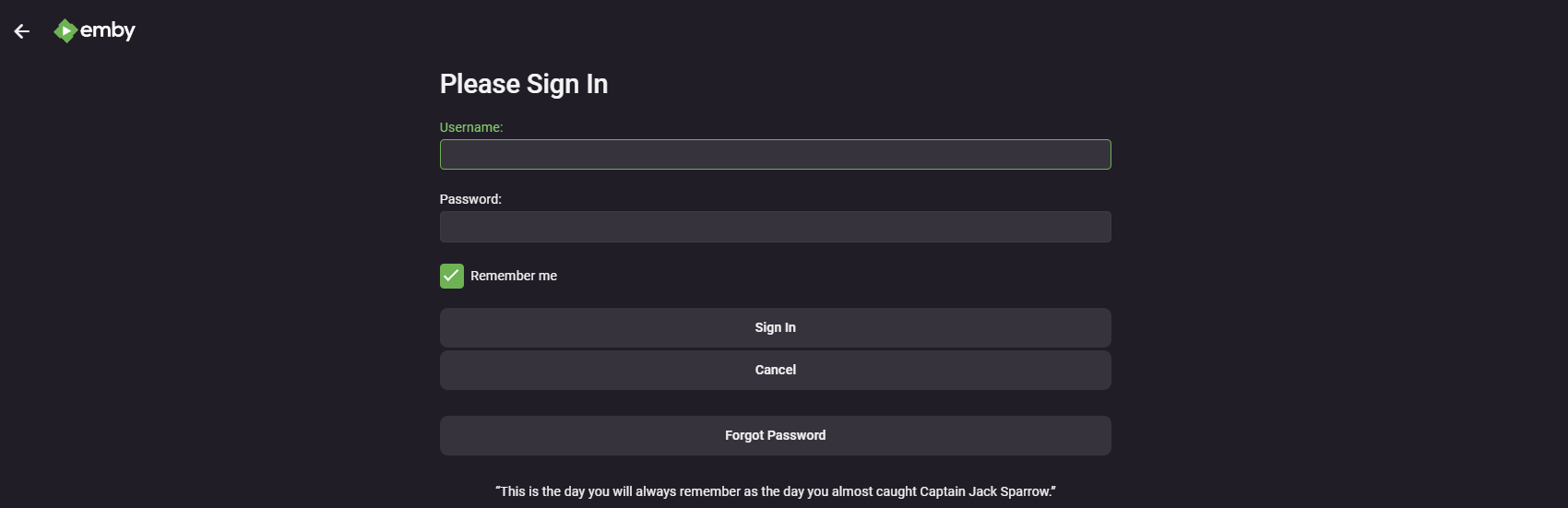
Sign-in screen from the existing guide; appearance may vary by version.
Next steps
Bookmark the site with Ctrl+D on Windows or Command+D on Mac. Follow Home Screen Customization to arrange your home page.
Troubleshooting
- Cannot reach the server: copy
https://blackbeardsvault.comexactly and try the web client. - Sign-in rejected: check your username and password for extra spaces. Use the server login, not Emby Connect. Ask for account help if it still fails.
- Playback or licensing error: update the app, try another title, and report the exact message to support.
Contact @Captain Cruv in #emby-support on Discord. Include your device, app version, exact error, and when it happened. Never post your password.
References
Emby web client · Server accounts and Emby Connect
Technical guidance reviewed September 2026. Store availability and interface labels can change.