
Web Client Sign-In
Navigate
Sign in to Blackbeard’s Vault from a computer, phone, or tablet using a current web browser.
Before you start
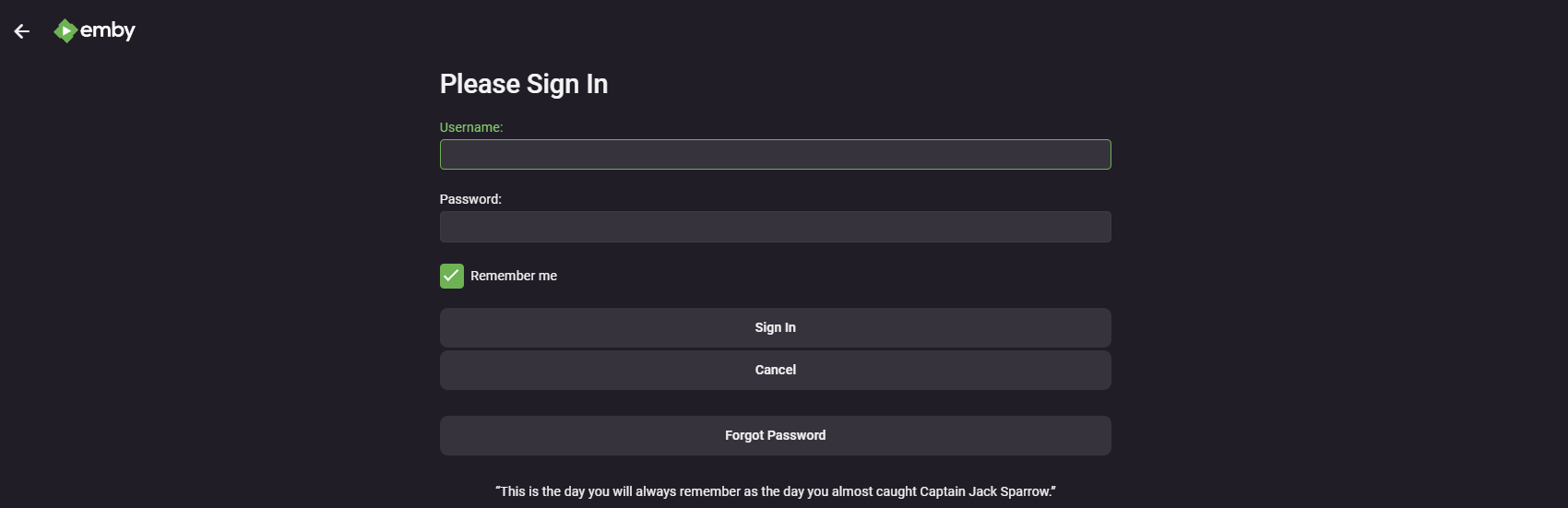
The Usernameusername and Passwordpassword fields use your credentials you receivedsupplied after signing up on Discord.
Discord. If you've forgottenUse your password or cannot log in, double check you are using the correct Username andusername, not your email.
Connect your device to the internet.
Sign in
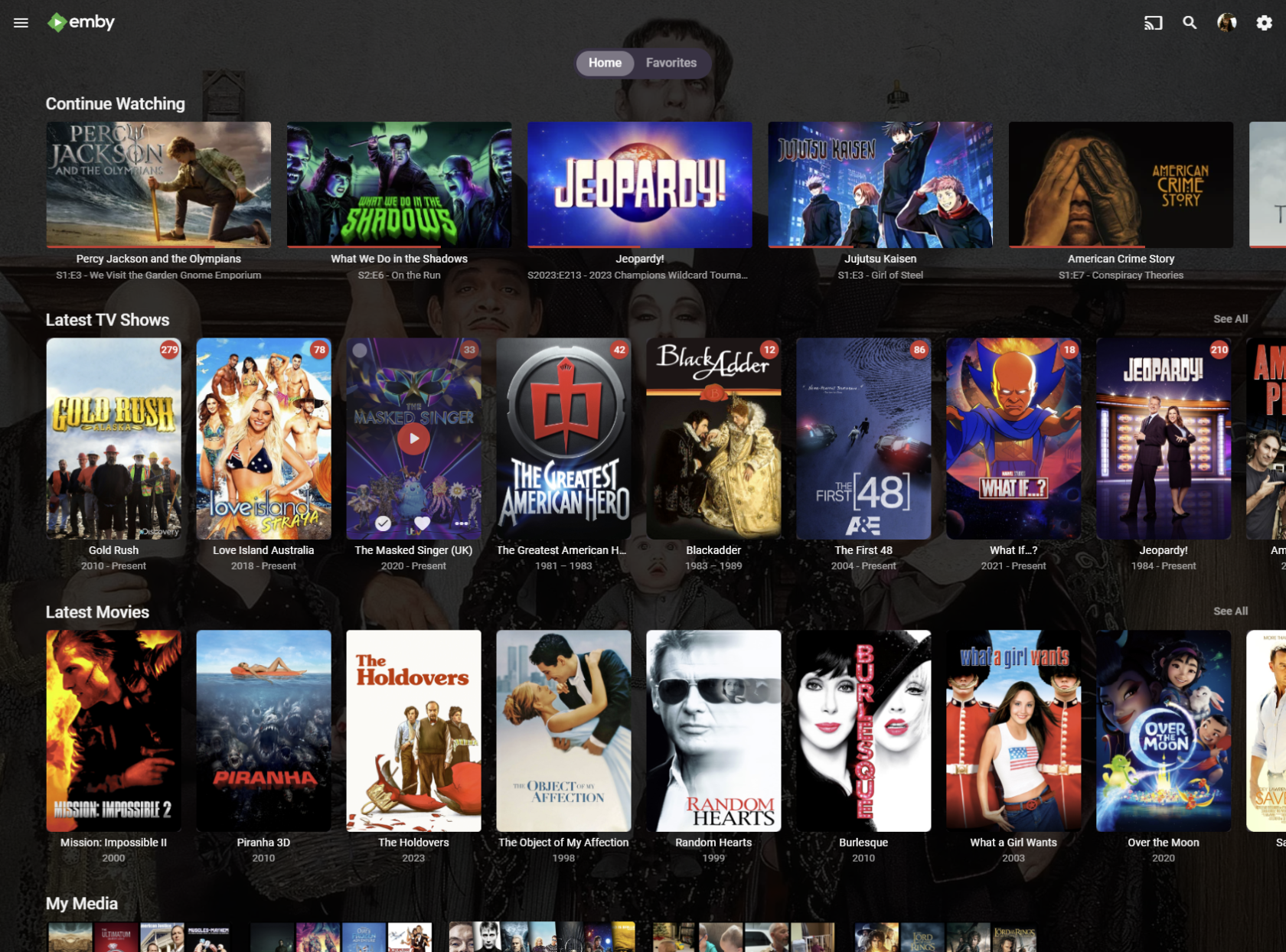
Expected result: your Emby home screen shows the libraries available to your account.
Sign-in screen from the existing guide; appearance may vary by version.
Next steps
Bookmark the site with Ctrl+D on Windows or Command+D on Mac. Follow Home Screen Customization to arrange your home page.
Troubleshooting
https://blackbeardsvault.com exactly and try the web client.
Sign-in rejected: check your username and password for extra spaces. Use the server login, not Emby Connect. Ask for account help if it still Contact @Captain Cruv in the #emby-support channel on Discord. Include
your device, app version, exact error, and when it happened. Never post your password.
References
Technical guidance reviewed September 2026. Store availability and interface labels can change.